
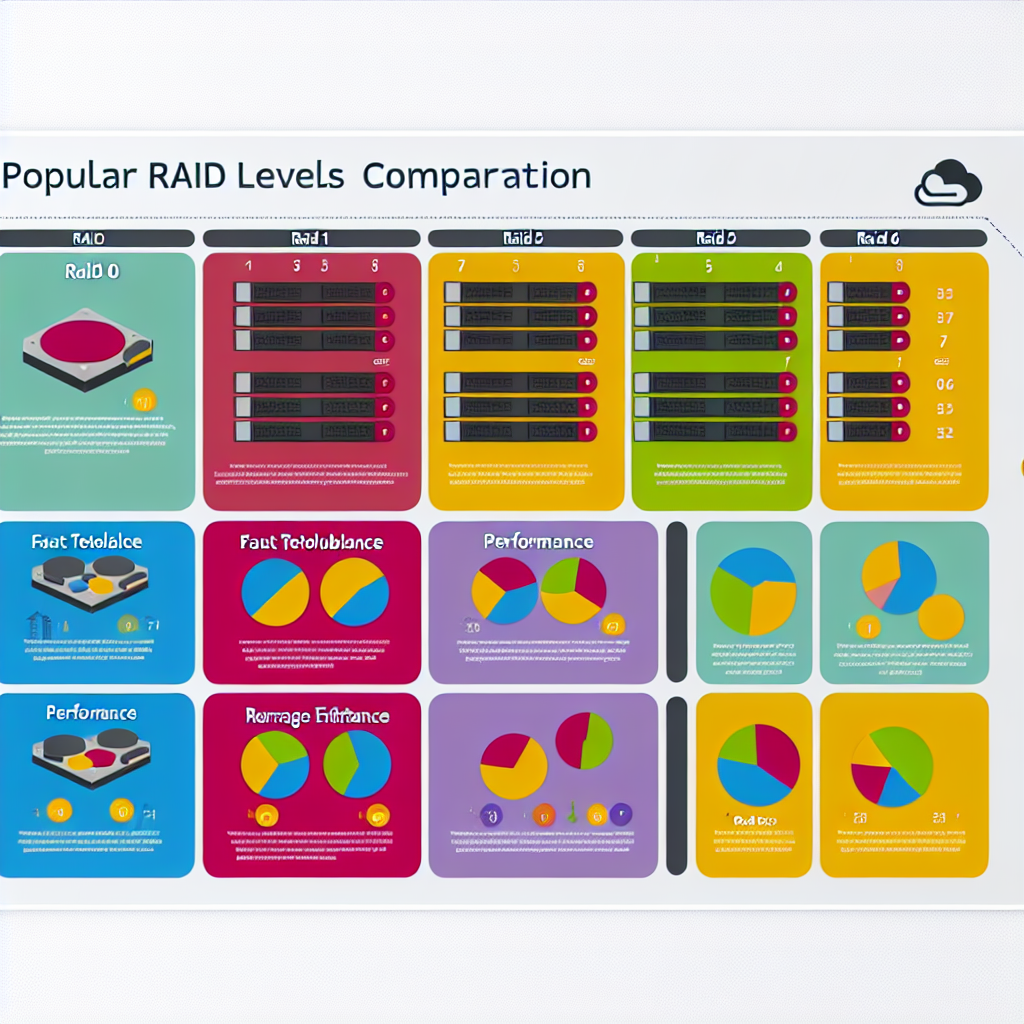

Popular RAID Levels Comparison
In the world of data storage, RAID (Redundant Array of Independent Disks) is an essential technology that plays a crucial role in optimizing data availability, performance, and redundancy. Understanding the various RAID levels allows businesses and individuals to choose the best configuration suitable for their needs. This article delves into the popular RAID levels, comparing their characteristics, advantages, and disadvantages to help you make informed decisions regarding data storage solutions.
What is RAID?
RAID stands for Redundant Array of Independent (or Inexpensive) Disks. It is a way to combine multiple hard drives into a single unit to improve performance and/or provide redundancy. The main goal of RAID is to protect data against hardware failures while improving access speeds. By using different RAID levels, storage systems can be tailored for specific needs, such as speed versus redundancy. Each RAID level offers unique features, which we will explore in detail.
RAID 0: Striping
RAID 0 is the first level in RAID technology and is known as disk striping. In this setup, data is split into blocks and distributed across multiple drives. This means that when data is read or written, multiple disks are accessed simultaneously, enhancing performance.
The primary advantage of RAID 0 lies in its exceptional read and write speeds. With no redundancy, it maximizes the storage capacity available, utilizing the full space of the combined drives. However, this lack of redundancy means that if one disk fails, all data is lost. Hence, RAID 0 is ideal for applications where speed is crucial, and data loss is not a significant concern, such as video editing or gaming.
Pros of RAID 0
- High performance due to simultaneous read/write operations.
- Maximum utilization of disk space.
Cons of RAID 0
- No data redundancy; total data loss if one disk fails.
- Increased risk of failure with the more disks added to the array.
RAID 1: Mirroring
RAID 1 is often dubbed the ‘mirror’ configuration, where the entire data set is copied identically on two or more disks. This redundancy means that if one drive fails, the data still exists on another drive, ensuring data integrity and reliability.
This setup significantly enhances data protection but at the cost of storage efficiency. For example, with two 1TB drives in a RAID 1 configuration, the total usable storage is 1TB, as one drive’s capacity is used for mirroring. RAID 1 is ideal for applications where data availability is paramount, such as for critical business applications or personal data storage.
Pros of RAID 1
- High data redundancy; data remains safe in case of a drive failure.
- Simple and straightforward setup.
Cons of RAID 1
- Storage efficiency is only 50% of total drive capacity.
- Higher costs since more drives are necessary for redundancy.
RAID 5: Striping with Parity
RAID 5 is widely regarded as one of the most efficient RAID levels, offering a balanced approach between performance, data protection, and storage efficiency. This level combines disk striping with parity, which is a form of redundancy. In this setup, data and parity information are spread across three or more disks.
Pros of RAID 5
Cons of RAID 5
- Complicated setup compared to RAID 0 and RAID 1.
- Performance may degrade during rebuilds.
RAID 6: Striping with Double Parity
RAID 6 is similar to RAID 5 but adds an extra layer of protection by utilizing double parity. This means that it can withstand the failure of two disks simultaneously, making it an ideal choice for environments where data availability is crucial, such as in enterprise servers.
Pros of RAID 6
Cons of RAID 6
- Lower write performance due to additional parity calculations.
- Requires more disk space for parity, reducing usable storage capacity.
RAID 10: Combining Mirroring and Striping
RAID 10, also known as RAID 1+0, is a combination of RAID 1 and RAID 0. It provides the benefits of both mirroring and striping, offering high performance and data redundancy. In this configuration, data is striped across multiple pairs of mirrored disks, ensuring that even if one disk in a mirrored pair fails, the data is still available from the other disk in that pair.
This RAID level requires at least four disks and is well-suited for applications requiring high input/output operations, such as database servers. The complexity and cost of implementing RAID 10 can be relatively high due to the need for multiple disks. However, the performance benefits and data protection make it a popular choice in high-demand environments.
Pros of RAID 10
- High performance due to the combination of striping and mirroring.
- Robust data redundancy; can sustain multiple disk failures.
Cons of RAID 10
- Requires a minimum of four disks, leading to higher costs.
- Storage efficiency can be lower compared to RAID 5 due to mirroring.
RAID 01: Flawed Design
RAID 01 is another form of RAID that combines RAID 0 and RAID 1, similar to RAID 10. However, it works differently and is generally not recommended for critical systems. In RAID 01, data is first mirrored and then striped. The main disadvantage is that if a drive in one of the mirrored pairs fails, the whole array may be at risk during the rebuild process, as it may leave only one remaining mirror available.
In terms of performance, RAID 01 boasts excellent read speeds due to the data striping. However, the design flaw and the risk involved with potential data loss during rebuilds make it less favorable than RAID 10.
Pros of RAID 01
- Good read performance due to data striping.
- Provides some redundancy through mirroring.
Cons of RAID 01
- High risk of data loss during drive failure.
- More complicated and less efficient than RAID 10.
RAID 2, 3, and 4: Less Common Configurations
RAID 2, 3, and 4 are increasingly outdated and are rarely used in modern data storage systems. RAID 2 used bit-level striping and required additional disks for error correction. RAID 3 primarily utilized byte-level striping with a dedicated parity disk, while RAID 4 introduced block-level striping with a single parity disk. The main drawback of these RAID levels is that they all suffer from bottleneck issues since they rely heavily on a single disk for parity. Consequently, they have fallen out of favor in practical applications in favor of more efficient levels like RAID 5 and RAID 6.
Choosing the Right RAID Level
When selecting a RAID level, you must consider key factors such as performance needs, data redundancy requirements, available budget, and storage capacity. High-performance applications may endorse RAID 0 or RAID 10, while scenarios demanding data redundancy will hinge towards RAID 1, 5, or 6.
Moreover, businesses must also weigh costs against critical data protection. RAID 1 provides excellent protection at a higher price, while RAID 5 offers a balance between cost and redundancy. For enterprises that cannot afford downtime, RAID 6 or RAID 10 may be the best choice, despite the higher costs involved.
Conclusion
In summary, understanding the various RAID levels is essential for making informed decisions regarding data storage systems. RAID 0 excels at performance, while RAID 1 offers strong redundancy. RAID 5 and RAID 6 present a balance between performance and data integrity. RAID 10 is an excellent option for environments where both speed and redundancy are critical. Ultimately, your choice of RAID level should be guided by your specific requirements and priorities, leading to enhanced efficiency and data protection.
FAQs
What does RAID stand for?
RAID stands for Redundant Array of Independent Disks, a technology that combines multiple hard drives to improve performance and data redundancy.
Is RAID a backup solution?
No, RAID is not a backup solution. While it provides redundancy, it does not replace the necessity for traditional backup solutions to protect against data loss due to accidental deletions, malware, or catastrophic failures.
Can RAID 0 be used for critical data?
RAID 0 is not recommended for critical data storage due to its lack of redundancy. If any disk fails, all data is lost. It is best suited for non-critical applications that require high performance.
How many disks do I need for RAID 5 and RAID 6?
RAID 5 requires a minimum of three disks, while RAID 6 requires a minimum of four disks to effectively implement data redundancy with parity.
Does RAID always improve performance?
While some RAID levels like RAID 0 and RAID 10 greatly enhance performance, others such as RAID 5 and RAID 6 may experience slight performance hits due to the overhead of parity calculations.
